

Leaving Vimeo? How to keep every video
If you're canceling Vimeo, your videos don't disappear the moment you hit 'Cancel' — but they will when your billing period ends. This guide walks you through exporting your entire library so nothing gets lost in the transition.
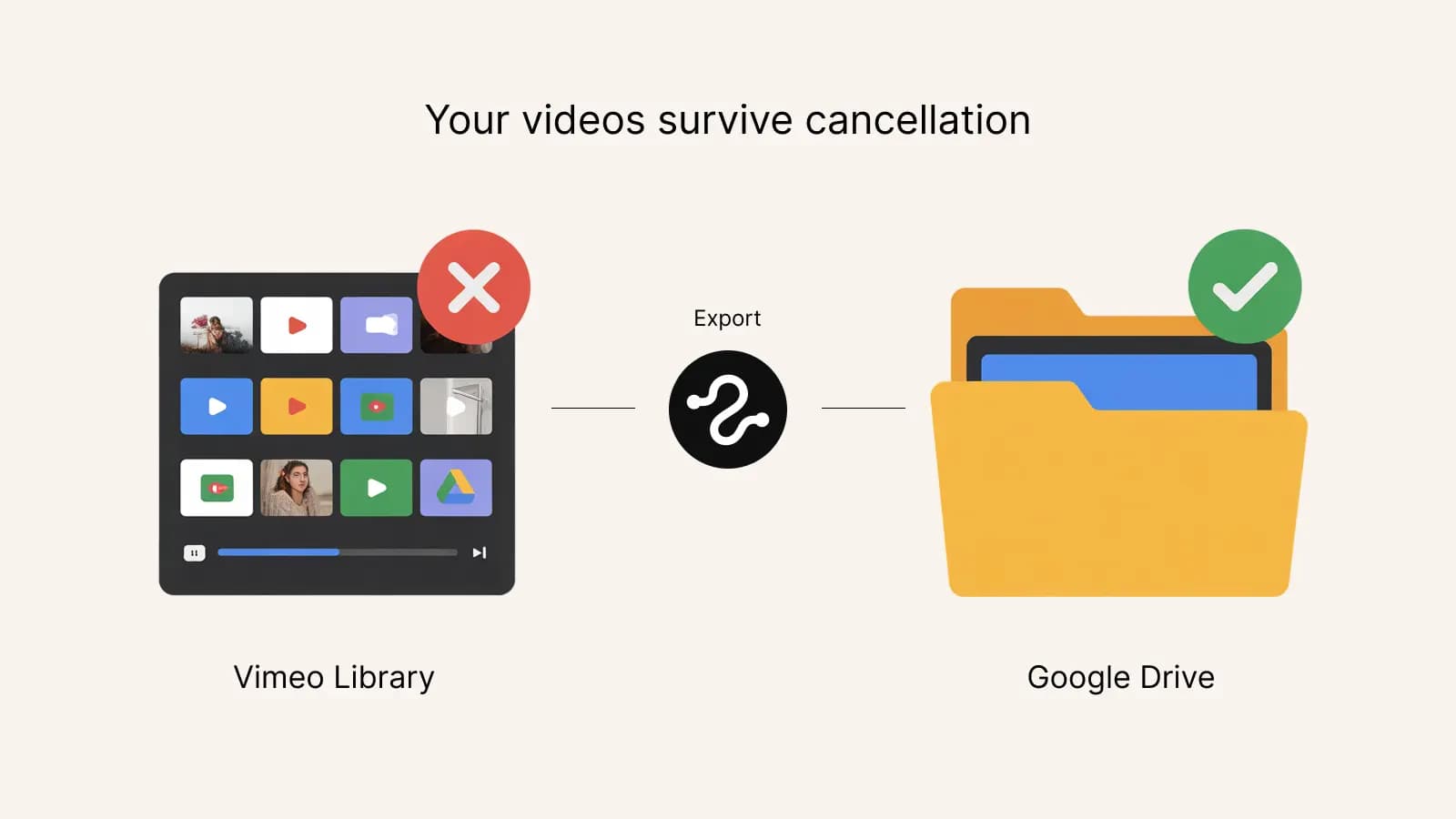
When does Vimeo actually delete your videos?
Vimeo typically retains your content through the end of the billing period you already paid for. After that, the account is downgraded or closed depending on your settings. Videos that exceed the free plan limits may become inaccessible. Before cancellation takes effect, you still have full access via the API — which is the window you want to use for your export.
Don't cancel yet — export first
The order matters. If you cancel and then try to export, you may lose API access before the export finishes. The safe sequence:
- Make sure you're on a plan that allows API downloads (Starter or above).
- Export your entire library to a safe destination.
- Verify the exported files play and aren't corrupted.
- Then cancel Vimeo.
Where should the videos go?
The best destination depends on what you'll do with them next:
Google Drive or Google Workspace
Fast, cheap, works with any Google account. Great if you need to share videos with collaborators or keep working with them. Use this2that's Vimeo to Google Drive tool to move everything in one click.
External hard drive
Cheapest for pure archival. Download to your computer, copy to an external drive, put it on a shelf. The catch: you have to download each video manually from Vimeo (slow for large libraries), or use an export tool that dumps them locally.
Amazon S3, Backblaze B2, or other object storage
Good for cold storage at scale. Cheap per-GB but requires some technical setup. If you have terabytes of video and don't need to watch them often, object storage is the cheapest option long-term.
Try it now
Don't wait until the last day
Export before your billing period ends so you can verify everything landed safely. The first 10 files are free.
Start exporting→Do it manually or use a migration tool?
Manual approach: log into Vimeo, open each video, click download, save to disk, upload to destination. For 10 videos, fine. For 1,000 videos, that's a full week of clicking.
Migration tool approach: connect once, select all, start transfer. A few minutes of setup, then it runs in the background. For most people, the cost of the tool is less than an hour of their time — not to mention the hours saved.
One-click Vimeo export with this2that
If you're leaving Vimeo and want the fastest, cleanest path to Google Drive:
- Generate a Vimeo personal access token (2 minutes)
- Open this2that and sign in with Google
- Paste your Vimeo token
- Select all videos → click Export
- Wait for the transfer to finish (minutes to hours depending on size)
- Verify files opened correctly from Google Drive
- Cancel Vimeo with confidence
The free trial lets you test the flow on 10 files. For a full library, buy a pack that fits your total size — pay once and you own the export.